
Magic Red Mobile Casino: What You Get Without an App
There is no Magic Red app. Nothing on Google Play, nothing in the Apple App Store, and no installable file from the operator. What you get instead is the whole casino in your phone's browser, plus an optional home-screen icon that opens it the way an app would.
That is blunter than most pages on this subject manage, and it is the honest version. Below: how mobile play behaves, the real steps for saving the site to an iPhone or Android home screen, which devices cope, and why neither store will carry a casino app for this brand in Canada.
Is There a Magic Red Casino App to Download?
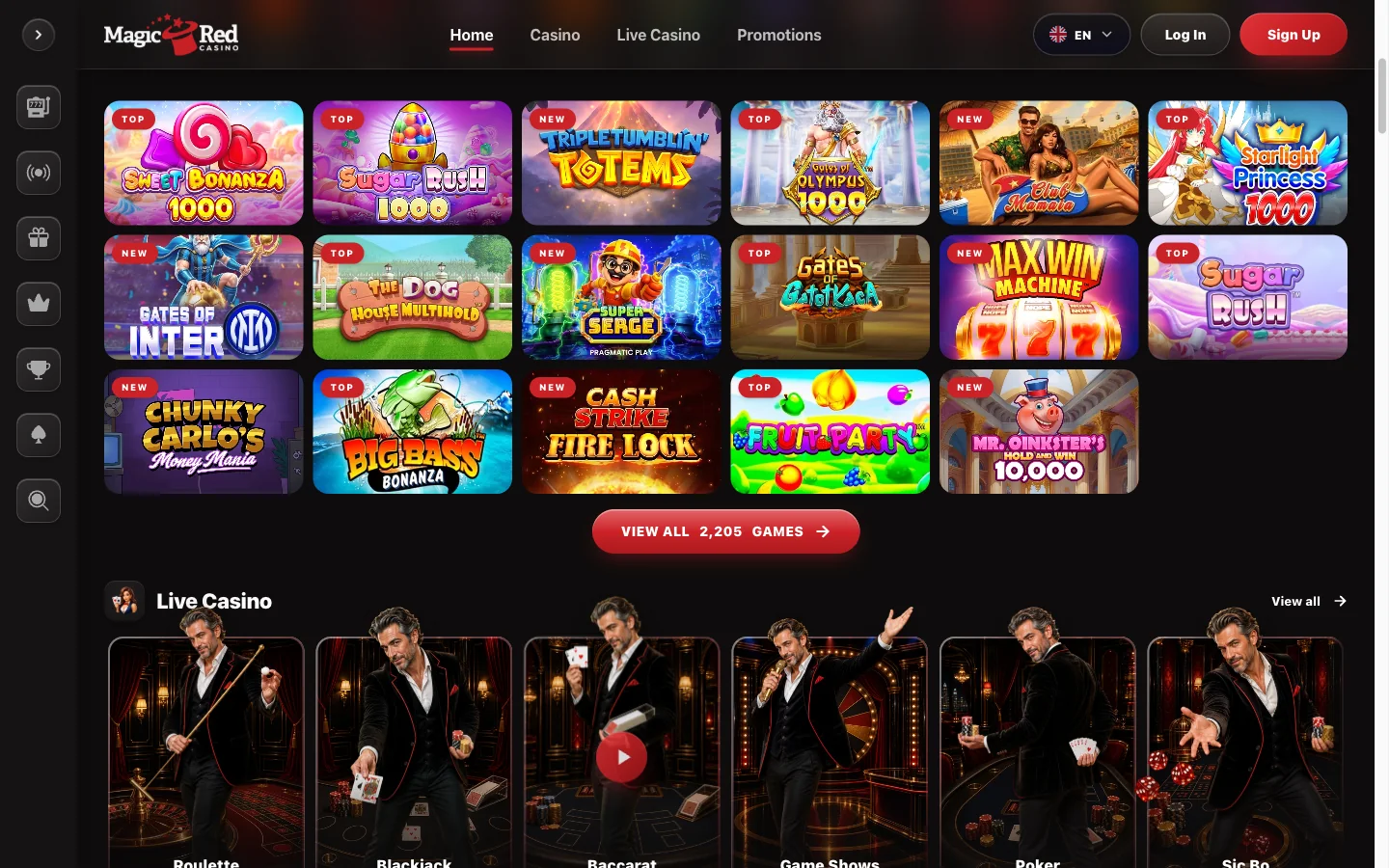
The short answer No. There is no Magic Red casino app for Android and none for iOS. The operator distributes no APK and holds no listing in either store. Magic Red runs in a mobile browser, and the brand's own copy says it works in any modern browser with nothing to download.
I checked both stores rather than take anyone's word for it. Searching either returns other casinos and plenty of noise — no first-party Magic Red product. The operator's own site carries no download banner either, and a casino with an app always puts the badges in its footer.
This needs a page of its own because several results for a Magic Red casino download say otherwise. One publishes a "Download on the App Store" button that leads nowhere. Another prints a seven-step guide to installing an Android package. A third just ticks iOS as "available" and moves on. The files those pages point at belong to a different company's closed casino.
So the question is not which app to install. It is what the browser costs you — almost nothing.
How Magic Red Mobile Casino Play Actually Works
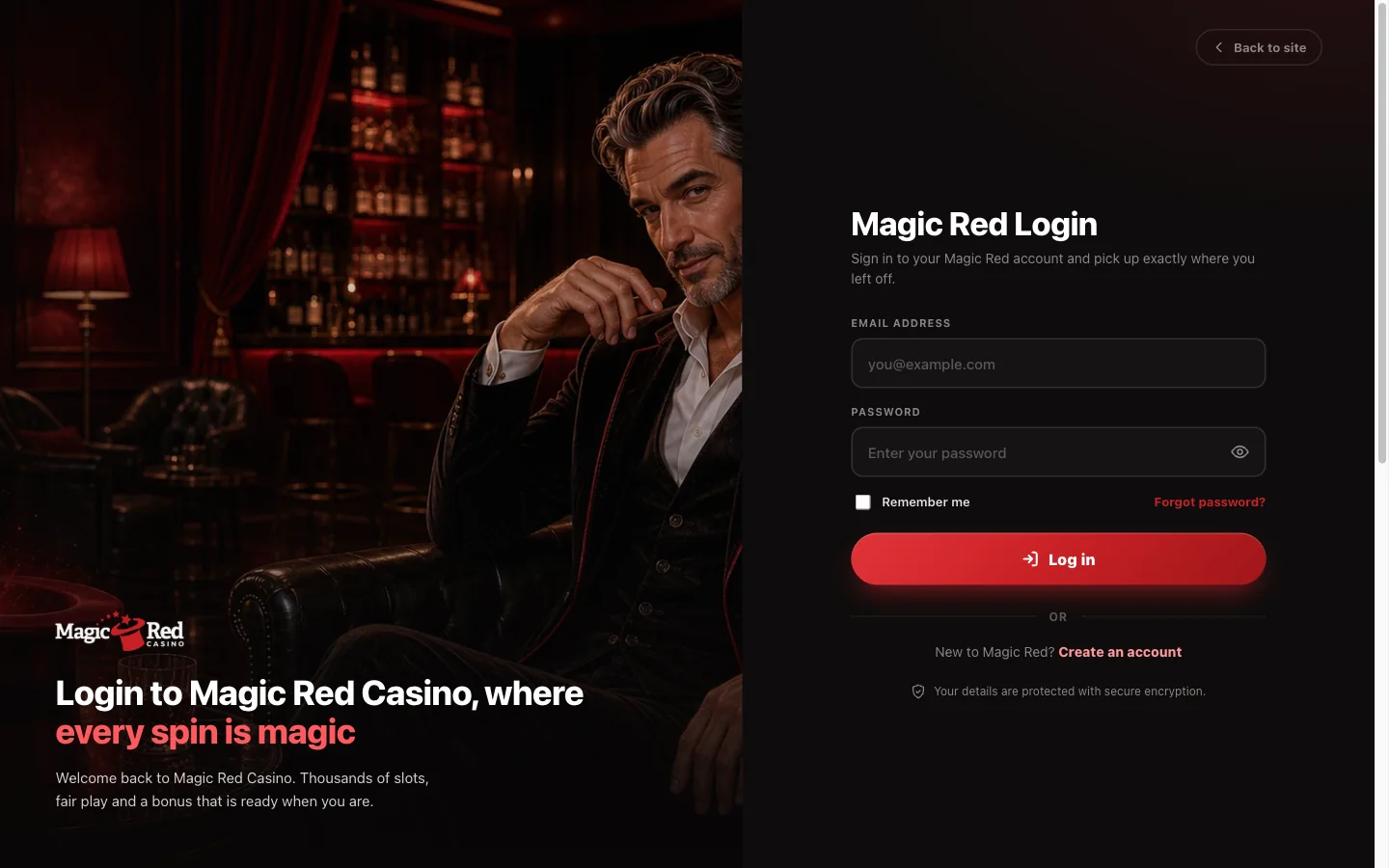
You open magicred.io on your phone, sign in with the same email address and password you use on a laptop, and you are in the same account. One balance, one bonus history, one verification status. No pairing.
The lobby reorganizes for a narrow screen: rooms stack, search sits near the top, tiles scroll in one or two columns. Slots open full screen and rotate with the phone. Live tables put the betting controls under the video rather than beside it. Trouble getting in at all belongs on our signing-in page.
Nothing to install also means nothing to update: add a studio at the operator's end and you get it on your next page load.
Then the home-screen shortcut, which is what the "app" pages are really describing. Save the site and you get a launcher icon that opens the casino in its own window, with no address bar and no tab strip. In this market, that is what most casino apps actually are.
Saving Magic Red to the Home Screen on iPhone
Five taps, and you can undo it by holding the icon and deleting it like any other.
-
Open the site in Safari
Type magicred.io into Safari itself. Arrive through a link inside another app and you land in that app's built-in browser, which has no Add to Home Screen option.
-
Tap the Share button
The square with an arrow coming out of the top, at the bottom centre or beside the address field.
-
Scroll to Add to Home Screen
The sheet opens with people and apps first, then actions. Scroll until Add to Home Screen appears, then tap it.
-
Rename it if you want
iOS suggests a label from the page title, usually too long for the space under an icon. I shorten mine to Magic Red.
-
Tap Add
The icon lands on your home screen and opens the casino without browser chrome. Chrome on iOS can do this too, from its own share menu. It is a web shortcut, though, not an App Store app.
Saving Magic Red to the Home Screen on Android
Chrome does it in four taps, and the wording depends on the version you are running.
-
Open the site in Chrome
Load magicred.io and let the lobby finish rendering. Signing in first is optional, though it usually means the shortcut drops you into a logged-in session.
-
Tap the three-dot menu
Top right corner. That opens the page menu, where the shortcut options sit alongside bookmarks.
-
Choose Add to Home screen, or Install
Recent Chrome builds say Install; older ones say Add to Home screen. Same job.
-
Confirm
Accept the suggested name or edit it, then tap Add. Samsung Internet does this from its own menu, under Add page to and then Home screen.
No permission prompt should appear. If a page asks you to allow installation from unknown sources, you are not adding a shortcut — you are being walked into installing a file.
Devices and Browsers That Run Magic Red Mobile
The requirement is less a version number than whether your device still gets updates. I have kept this general on purpose: the precise minimums published elsewhere are mostly guesses.
| Platform | Minimum that works comfortably | Notes |
|---|---|---|
| iPhone | A handset still receiving iOS updates | Safari or Chrome; Add to Home Screen works in both. Low Power Mode throttles animation in heavier slots. |
| iPad | A tablet still receiving iPadOS updates | The most comfortable way to read live table layouts and wide reel grids. |
| Android phone or tablet | A device still receiving OS and browser updates | Chrome, Samsung Internet and Firefox all load the lobby; the first two give the cleanest shortcut. |
| Desktop and laptop | Any current browser | Chrome, Edge, Firefox or Safari, kept up to date. Nothing to install here either. |
A device that stopped getting security updates years ago usually fails on certificates rather than graphics, which reads as the casino being broken when it is really the phone. A VPN or a content blocker often breaks game loading before the lobby, so switch those off first when a title spins forever.
Why No Magic Red Casino App Ships on Google Play or the App Store
This is the useful part, and no competing page attempts it.
Both stores do allow real-money gambling apps, under conditions most offshore operators cannot meet. Google and Apple each require the developer to hold a gaming licence in every country where the app is distributed, to apply country by country, and to geo-restrict the listing to those countries. Apple wants the submission from the licence holder itself, and both pull listings when the licence behind one is not recognized for that market.
Now apply that here. The company behind magicred.io, Crimson Reel Entertainment N.V. of Willemstad, Curaçao, displays Antilles Remote Gaming Commission licence ARG/2024/318/0651. That is not a Canadian licence, and no Canadian or provincial regulator licenses this operator. Canada is the awkward case anyway, since licensing here is provincial.
Put those together and there is no route to a listing — the app does not exist because it would be refused, not because nobody fancied building one. The browser is not a workaround, then. For a casino in this position it is the only channel there is. The licence and operator detail sits on our review page.
Magic Red APK Files Are Not From Magic Red
If a site offers you a Magic Red APK, the one certainty is that the file did not come from the casino.
What those files usually are: a repack of the old brand's Android build — software that belonged to the MagicRed which ran on magicred.com under a different company, and which has not come from an official channel in years. That casino closed in June 2026. The software is dead, it points at infrastructure that no longer answers, and every copy in circulation has been re-signed by whoever uploaded it. Re-signing matters, because it is the step where anything else gets added — and you cannot tell what was.
The red flags, in the order you meet them:
- An APK is offered at all. For this brand that single fact settles it.
- A "Download on the App Store" or Google Play badge that leads nowhere. Neither store has a listing to link to.
- A package name tied to the closed brand, or a 2023 version number presented as current.
- Any instruction to allow installs from unknown sources or to switch off Play Protect.
I will not tell you where those files live or how to install one. The safe route is the boring one: open the site in your phone's browser and add it to the home screen.
What Works on Magic Red Mobile and What Does Not
Almost all of it works. The exceptions are the two things only an installed app can do.
The library does not shrink on a phone: the same 2,205 titles load, jackpot and Megaways rooms included, because every device draws on one catalogue. Deposits and withdrawal requests both run from the mobile cashier, and Apple Pay or Google Pay are frankly quicker there — limits, timings and the euro account currency live on our payments page.
Live dealer tables are the most demanding thing here, since you hold a video stream open for as long as you sit down. Our slots and live casino page has the room counts and the studios.
Offline play is the real absence, and it is the same at every real-money casino: games are served from the operator, so no connection means no play. Push notifications need an installed app, so offer alerts reach you by email instead.
Data Use and Battery on Magic Red Mobile
Worth a thought if your plan is metered.
Slots are comparatively light. A game pulls its assets once — reels, symbols, sounds — and after that the traffic is mostly small messages, so a long session on one title costs far less than loading it did.
Live dealer is the heavy one by a wide margin: continuous video for your whole time at the table, at a quality that adapts to your connection. An hour can plausibly run through a few hundred megabytes, a longer session at higher quality more. I am giving ranges deliberately, because anyone quoting an exact figure for an adaptive stream has invented it. If something unexpected lands on your bill, the live tables are where it came from.
Battery behaves the same way: video decoding plus a bright screen drains a handset faster than anything else here, and a warm phone throttles itself. Two things help — keep live play on Wi-Fi, and drop the stream quality by hand if the table lets you.
Magic Red Mobile Questions
No. Magic Red publishes no app on Google Play, none in the Apple App Store and no installable file of its own. It runs in your phone's browser, and a home-screen shortcut is the nearest thing to an app.
There is nothing official to download. Searches for a Magic Red casino download lead to third-party mirrors, not to the operator. Open the site in Chrome, Samsung Internet or Firefox and add it to your home screen.
No. The App Store carries no Magic Red listing, so any page marking iOS as available is wrong. Safari runs the whole casino, and Add to Home Screen gives you an icon with no address bar.
Treat all of them as unsafe. The operator ships no APK, so any file with that name came from whoever uploaded it — usually a repack of the closed brand's old build, re-signed by a stranger.
On iPhone, open the site in Safari, tap Share, scroll to Add to Home Screen and tap Add. On Android, open it in Chrome, tap the three-dot menu and choose Add to Home screen or Install.
No. The same lobby of 2,205 titles loads on a phone as on a laptop, because both draw on one catalogue. Wide table layouts simply read better on a tablet.
Yes. The cashier is part of the mobile site, so deposits and withdrawal requests both work from a phone, and Apple Pay or Google Pay are quicker there. Limits and timings sit on our payments page.
Yes. The Evolution tables stream to a mobile browser with controls built for a portrait screen. You need a steady connection, because live dealer play is continuous video rather than a game that loads once.
Slots are comparatively light once loaded. Live tables are the heaviest thing here and can plausibly run through a few hundred megabytes in an hour, depending on stream quality. On a metered Canadian plan, that is the part to watch.
Open Magic Red in Your Phone's Browser
No install, no file, no store queue — the lobby, the live tables and the cashier load into the browser you already have. Add the site to your home screen and it opens in one tap.
Open your Magic Red account 18+ to hold an account at Magic Red; 19+ in most Canadian provinces. Bonus terms apply.